
Is Your Dental Practice Website ADA Compliant? (Free Fix Inside)
Dental practices are being sued over inaccessible websites. Get a free ADA compliance widget, same features as paid tools, zero monthly fees, install in 30 seconds. Our team can install it for you too.
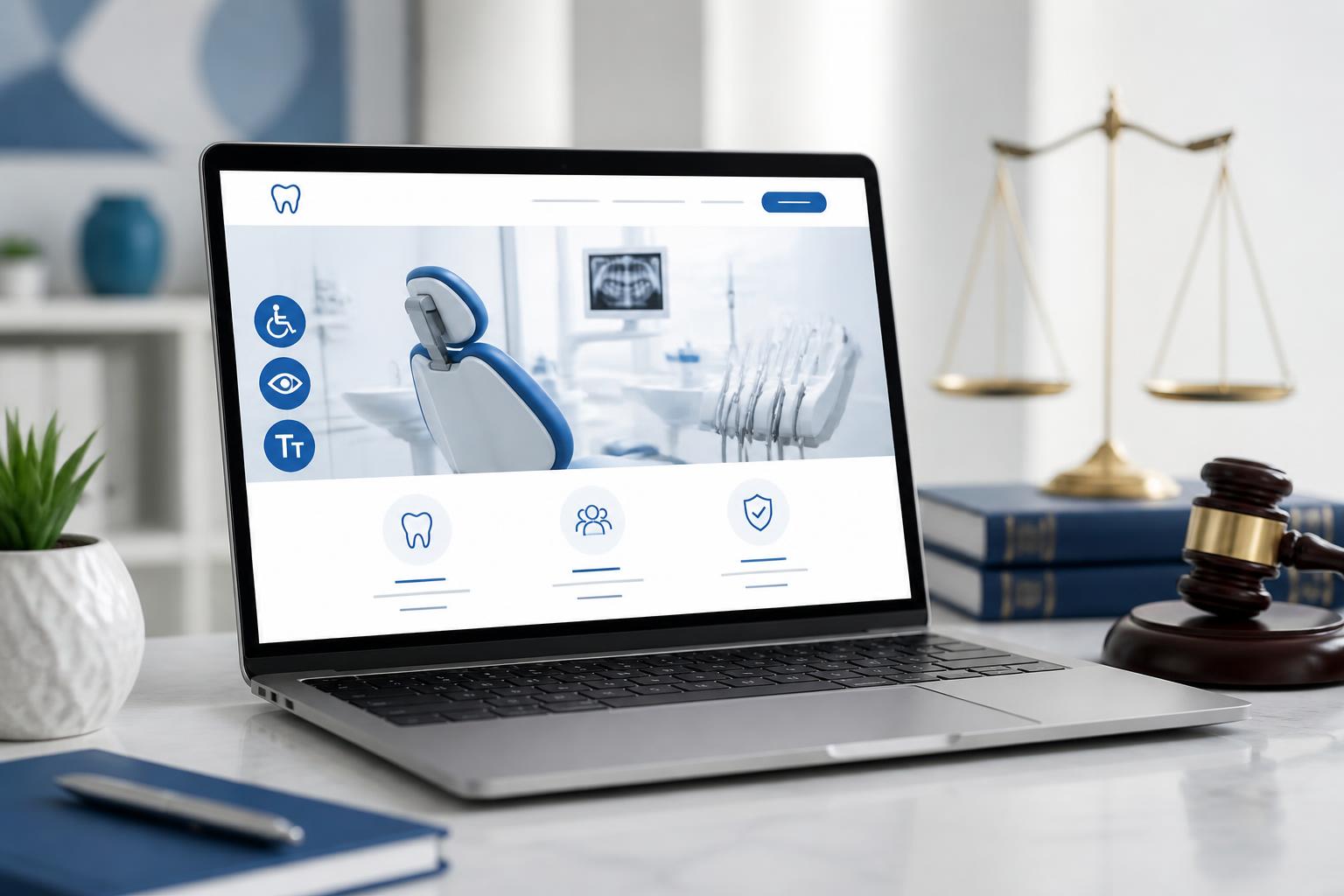
Dental practices are being sued at an alarming rate for one thing most offices never think about: website accessibility.
Over 4,500 ADA Title III lawsuits were filed last year, and dental offices are a top target. The average settlement runs between $5,000 and $25,000, before you pay for the required website remediation work on top of it.
The good news? You can protect your practice in under 30 seconds with a free accessibility widget. Get the free ADA compliance widget here →
What is ADA Website Compliance?
The Americans with Disabilities Act (ADA) requires that places of public accommodation, which courts have repeatedly ruled includes dental websites, be accessible to people with disabilities. In practice, that means your site needs to work for patients who:
- Use screen readers (blind or low-vision patients)
- Navigate by keyboard only (motor impairments)
- Need larger text, higher contrast, or simplified fonts
- Have cognitive differences like dyslexia or ADHD
The standard most courts reference is WCAG 2.1 Level AA, the Web Content Accessibility Guidelines.
Why Dental Practices Are Getting Sued
Specialized law firms run automated scans across thousands of dental websites looking for accessibility violations, missing alt text, poor color contrast, unlabeled form fields, inaccessible booking widgets. When they find issues, they file a demand letter or lawsuit on behalf of a disabled "tester" plaintiff.
Single-doctor practices and DSOs alike are targets. Your malpractice insurance almost certainly does not cover it.
The Free Fix: An Accessibility Widget
Paid services like accessiBe, UserWay, and EqualWeb charge $20–$50/month to add an accessibility toolbar to your site. We built the same thing, free, as a lead magnet for dental practices.
Get your free Aron ADA Widget →
Features included:
- Text size adjustment
- High contrast & grayscale modes
- Highlight links
- Readable (dyslexia-friendly) font
- Big cursor
- Pause animations
- Focus indicators
- Page reset
Install is one line of HTML in your site's <head>. Works on any website, Wix, Squarespace, WordPress, custom, in about 30 seconds.
Frequently Asked Questions
Does a widget really protect my practice from lawsuits?
A widget significantly reduces risk by giving users assistive controls and demonstrating good-faith effort, which courts weigh heavily. It is not a 100% legal shield, true compliance also requires accessible page structure (alt text, headings, contrast). But a widget plus reasonable site hygiene closes the gap most demand letters target.
Is WCAG 2.1 AA legally required for dental websites?
The DOJ has consistently pointed to WCAG 2.1 AA as the accepted technical standard, and federal courts have applied it to private healthcare sites, including dental practices, under ADA Title III.
What pages on my dental site are most often flagged?
Online booking forms, new-patient intake forms, contact pages, and embedded third-party widgets (chatbots, review pop-ups). Anything interactive with poor labels or keyboard traps is a top target.
I have a third-party site (Wix, Squarespace, GoDaddy). Am I still liable?
Yes. The practice that owns the domain is liable, not the platform. Templates from these builders are not automatically WCAG-compliant.
What about my online scheduling widget or chatbot?
Embedded tools count as part of your site. If your scheduler isn't keyboard-navigable or labeled for screen readers, you can still be sued. Aron's booking and chat widgets are built to WCAG 2.1 AA.
Do I need to do anything if I'm a brand new practice?
Yes, newer sites are scanned just like established ones. Lawsuit bots don't care how long you've been open.
What about photos of patients, smile galleries, and before/afters?
Every image needs descriptive alt text. "Before and after Invisalign, adult patient, 9 months treatment" is good. "IMG_2043.jpg" is a liability.
Do videos on my site need captions?
Yes. Patient testimonials, doctor intros, and educational videos all need captions (and ideally a transcript) to meet WCAG.
Does the widget slow down my site or hurt SEO?
No. The Aron widget is under 30KB, loads asynchronously, and has zero impact on Core Web Vitals or Google rankings.
Will the widget conflict with my existing website builder?
No. It runs in an isolated shadow DOM and is compatible with WordPress, Wix, Squarespace, Webflow, GoDaddy, Duda, and custom-built sites.
What if I get a demand letter after installing the widget?
Keep the install receipt and event logs (Aron stores these for you automatically). Forward the letter to an ADA-defense attorney, settlements drop dramatically when you can prove an accessibility solution was already in place.
Do I need to display an accessibility statement?
Yes, best practice is a short page outlining your commitment to accessibility, the standard you follow (WCAG 2.1 AA), and how visitors can report issues. We include a template when you activate the widget.
Is the free Aron widget really free forever?
Yes, for dental practices, it is free with no monthly fee. We offer it because it introduces practices to the broader Aron platform (marketing, communication, revenue cycle).
Can you help me install it?
Absolutely. If you'd rather not touch your site code, our team will install it for you at no charge, just check the "I need help installing" box on the tool page or reply to the approval email and we'll get it live for you, usually same-day.
How to Get Started
- Visit the free ADA compliance widget page
- Enter your practice name, website, and email
- We review and email your custom install snippet within 1 business day
- Paste one line of code into your site's
<head>, or let our team do it for you
About Aron
Aron is the all-in-one AI platform for modern dental practices, marketing, communication, and revenue cycle, unified. Learn more at getaron.ai or book a demo.