
Dental Practice Cybersecurity: Protecting Patient Data in 2026
Practical cybersecurity for dental practices: the threats that actually hit small healthcare offices, HIPAA security requirements, a baseline control checklist, backups, vendor risk, and breach response.
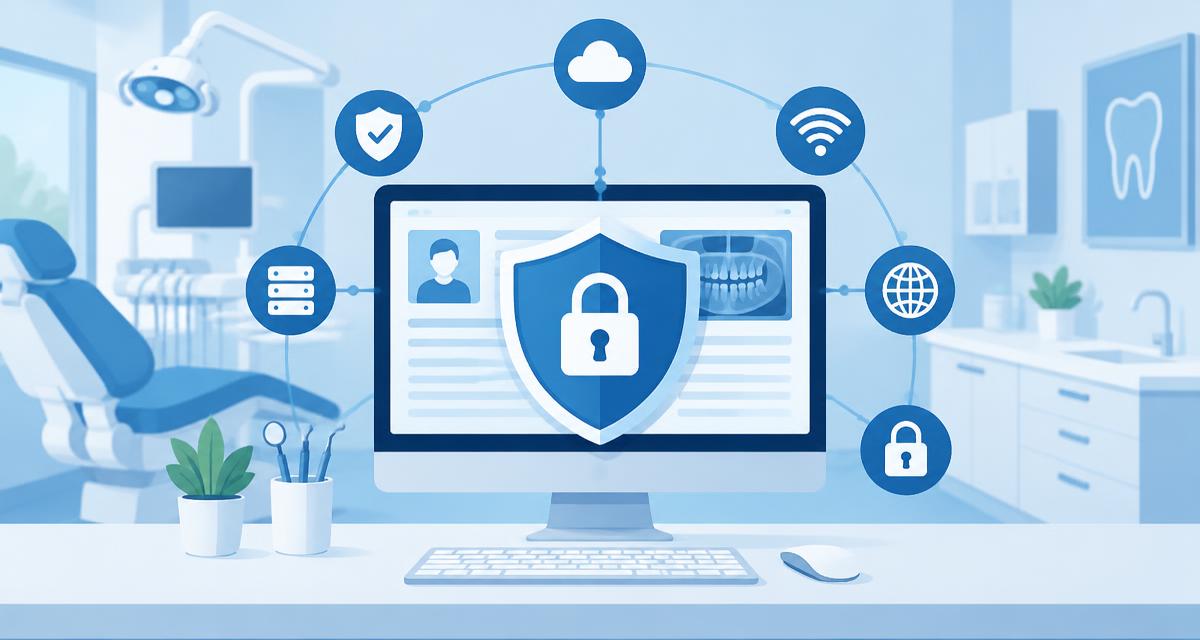
TL;DR
- Dental practices are targeted precisely because they hold sensitive data and rarely have dedicated IT staff.
- Most breaches start with a phishing email or a reused password, not a sophisticated attack.
- Multi-factor authentication, current patching, and tested offline backups prevent the overwhelming majority of real-world incidents.
- HIPAA requires a documented security risk analysis. Not having one is itself a finding during an investigation.
- Test your restore, not just your backup. An untested backup is a hope, not a control.
What Actually Happens to Practices
The incidents that take dental offices offline are not exotic. Ransomware arrives through a phishing email or an exposed remote desktop connection. It encrypts the practice management server, including any backup on the same network. Business email compromise starts with a stolen password. It ends with redirected payments or messages to patients from a legitimate practice address. Plain data theft happens when an unencrypted laptop or backup drive leaves the building.
Every one of these incidents is preventable with basic controls applied consistently.
The HIPAA Security Requirements That Matter Most
Your practice must conduct and document a security risk analysis. Maintain written policies and procedures. Train workforce members and document that training. Execute business associate agreements with every vendor that touches protected health information. Have a documented breach response plan, too.
The risk analysis is most often missing. It is not a product you buy. It documents where protected health information lives, what threatens it, and what controls exist. It also records what you will do about the gaps. Revisit it annually and whenever something material changes.
The Baseline Control Checklist
| Control | Why it matters |
|---|---|
| Multi-factor authentication everywhere | Stops the majority of credential-based attacks outright |
| Unique accounts per person | Shared logins destroy accountability and audit trails |
| Password manager | Eliminates reuse, the most common root cause |
| Operating system and software patching | Unsupported systems are the easiest way in |
| Endpoint protection on every device | Detects and contains malware before it spreads |
| Full-disk encryption on laptops and mobile devices | Turns a lost device into a non-event |
| Segmented or isolated guest wifi | Keeps the waiting room off the clinical network |
| Least-privilege access | Staff see only what their role requires |
| Prompt offboarding | Departing staff accounts are a standing risk |
| Email filtering and staff phishing training | Addresses the most common entry point |
Backups: The Control That Decides the Outcome
When ransomware hits, backups determine whether you lose an afternoon or a month. Follow three principles. Keep multiple copies, including at least one offsite. Keep at least one copy offline or otherwise immutable. That prevents it from being encrypted along with everything else. Test a full restore on a schedule, at least quarterly.
Practices routinely discover during an incident that their backup has silently failed for months. Others find it captured files but not the database in a restorable state. Testing is the only way to know.
Vendor and Remote Access Risk
Your practice management vendor, imaging vendor, IT provider, and billing service all touch patient data. So does any cloud platform. Each needs a business associate agreement and represents a path into your network. Review who has remote access. Remove standing access that is no longer needed. Require multi-factor authentication for any remote connection. Ask vendors directly about their own security posture and breach history.
Remote desktop exposed directly to the internet remains a common ransomware entry point. It is among the most common in small healthcare offices. If your IT provider has configured it that way, ask them to change it.
Train the Team, Because They Are the Target
Quarterly training beats an annual lecture. Cover how to recognize phishing and handle unexpected attachments. Teach staff never to share credentials. Always verify payment or banking changes by phone using a known number. Explain how to report a suspected incident without fear of blame. Reporting a click immediately limits the damage enormously. Hiding it does the opposite.
Have a Breach Response Plan Before You Need One
Write down your breach response plan in advance. Include who to call first and how to isolate affected systems without destroying evidence. Record how to reach your IT provider and cyber insurer outside business hours. Explain how to keep seeing patients on paper. Include notification obligations under HIPAA and your state law. Keep a printed copy. A plan stored only on the encrypted server is useless when you need it.
Cyber liability insurance is worth carrying and reading. Confirm what it covers and what must be in place for coverage to apply. Check how to invoke it, too.
Frequently Asked Questions
Why are dental practices targeted by cyber attacks?
They hold sensitive health, identity, and payment data while rarely having dedicated security staff, which makes them attractive relative to the effort required.
What does HIPAA require for cybersecurity?
A documented security risk analysis, written policies and procedures, workforce training, business associate agreements with vendors handling protected health information, and a documented breach response plan.
What is the single most effective security control?
Multi-factor authentication on every account, especially email and remote access. It prevents the majority of credential-based attacks, which are the most common starting point.
How should a dental practice back up its data?
Keep multiple copies with at least one offsite and at least one offline or immutable so ransomware cannot encrypt it, and test a full restore at least quarterly.
Do I need a business associate agreement with my IT provider?
Yes, if they can access protected health information, which almost all IT providers supporting a practice management system can. The same applies to billing services, imaging vendors, and cloud platforms.
What should we do first if we suspect a breach?
Isolate the affected systems from the network without powering them down if possible, contact your IT provider and cyber insurer immediately, preserve evidence, and follow your documented notification obligations under HIPAA and state law.