
Digital Patient Forms: How to Go Paperless and Still Sync With Your PMS
How to implement digital patient forms that work with any PMS: completed forms write back into your practice management system, plus auto-reminders, instant staff notifications, and HIPAA-compliant e-signatures.
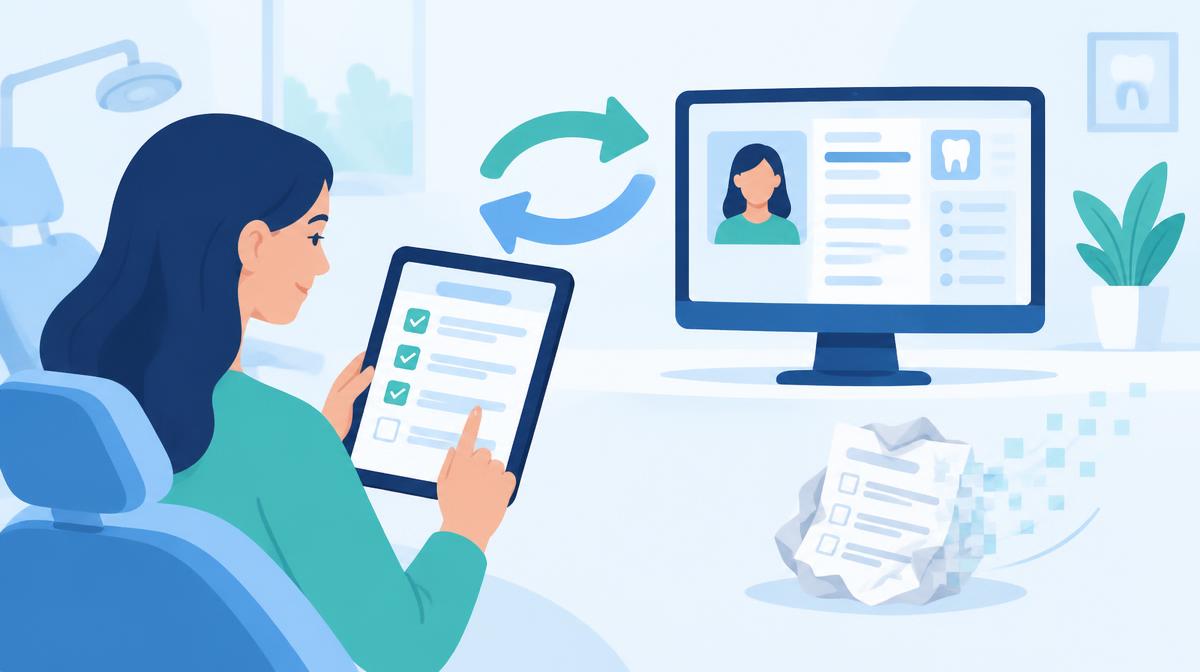
The Paper Problem in Modern Dental Practices
Walk into almost any dental practice waiting room and you'll still see the same scene: a patient hunched over a clipboard, trying to remember their insurance ID number while balancing a stack of four different forms on their knee. Meanwhile, the front desk is manually re-entering that same information into the PMS.
This process hasn't changed in 30 years, and it's costing practices real money. Studies consistently show that administrative tasks consume up to 40% of front desk time. Digital patient forms are the single highest-ROI fix for that problem, yet adoption remains surprisingly low in the dental industry.
Why? Two reasons: practices don't know where to start, and they're worried about compatibility with their existing PMS.
This article addresses both. We'll cover how modern digital form systems work, what to look for, and how to make them sync (or co-exist) with whatever practice management software you're already using.
What Digital Patient Forms Actually Do
Digital patient forms replace clipboards with mobile-friendly links. Instead of handing a patient a stack of papers at check-in, you send them a secure URL via text or email, ideally before their appointment.
The patient taps the link, enters their name, and fills out the form on their phone. There's no app to download, no login required. When they're done, the submission lands in your dashboard instantly.
A complete digital forms system should include:
- A drag-and-drop form builder with field types like text, date, dropdowns, yes/no, checkboxes, and e-signatures
- Pre-built templates for common forms (new patient registration, HIPAA consent, medical history, treatment consent)
- SMS and email delivery so you can send links directly to patients from your dashboard
- E-signature capture that is legally binding under the ESIGN Act and UETA
- HIPAA-compliant storage with encryption in transit and at rest
But here's what most basic digital forms systems miss, and where modern platforms are starting to pull ahead.
The Four Features That Separate Good Systems from Great Ones
1. Auto-Reminders and Link Expiry
Sending a form link is only half the job. The other half is making sure patients actually complete it. Most practices find that 20–30% of patients who receive a form link don't open it within 24 hours.
A good system automatically follows up. If a patient hasn't submitted their form within 24 hours, they get a reminder via the same channel (SMS or email) without anyone on your team lifting a finger.
Link expiry is equally important. Without it, old links stay active indefinitely, a potential HIPAA liability. Setting a 7-, 14-, or 30-day expiry ensures stale links are automatically deactivated.
2. Instant Staff Notifications
Your front desk shouldn't have to manually check a dashboard to know that Mrs. Martinez finished her intake form. The moment a patient submits, your team should get an email notification with the patient's name, which form was completed, and when, so they can pull up the file before the patient walks in.
This small feature has an outsized impact on the patient experience. When the front desk already has a patient's info pulled up when they arrive, check-in takes seconds instead of minutes.
3. PDF Export for Any PMS
Not every PMS has a forms API. But every PMS that's been built in the last decade accepts document uploads.
This is where PDF export matters. The ability to download any completed submission as a formatted, branded PDF, with the patient's responses, signature, and submission timestamp, means your workflow works regardless of which PMS you're on.
Open Dental, Dentrix, Eaglesoft, Curve Dental, Carestream, completed forms are written back to the patient's chart automatically, with a PDF download available as an extra. No re-typing, no paper trail.
4. Automatic Write-Back to Your PMS
The gold standard is automatic write-back. When a patient completes a form, Aron connects directly to your practice management system and saves the completed form to the matching patient's chart, no manual step required.
This is how modern dental tech should work: your tools talking to each other so your team doesn't have to be the middleman.
How Digital Forms Work With Every Major PMS
One of the biggest misconceptions is that digital forms only work if you have a direct integration. That's not true.
Automatic write-back
With Aron, completed forms are saved to the matching patient's chart in your practice management system automatically. Zero manual steps after initial setup.
Open Dental
Open Dental allows document attachments to patient charts. Download the completed form PDF from your dashboard and attach it to the patient's Documents module. Fast, clean, no re-entry.
Dentrix
Dentrix's Document Center accepts PDF uploads. Attach completed forms directly to the patient file under the appropriate document category. Most practices create a "Digital Intake" folder for these.
Eaglesoft
Patterson's Eaglesoft includes a Patient Documents section. Same workflow: download the PDF, attach it to the patient chart. Done in under 30 seconds.
Curve Dental
Curve's cloud-based interface lets you attach documents in the patient record. PDF export from your forms platform makes this seamless.
Any Other PMS
If it accepts document uploads, and virtually all modern PMS platforms do, PDF export from your digital forms system will work. You're not locked into any particular platform.
Form Packets: The Underrated Feature for New Patient Onboarding
Most new patient onboardings involve three to five separate forms: registration, medical history, HIPAA notice of privacy practices, financial policy, and sometimes a treatment consent. Sending five separate links is clunky. (Related: alternatives to revenuewell for dentists.)
Form packets solve this. A packet bundles multiple forms into a single link. The patient opens one URL and moves through each form in sequence, like a guided intake wizard. Your front desk sends one message. The patient completes everything in one sitting. (See also: alternatives to weave for dentists.)
For new patient onboarding specifically, form packets can cut front desk communication time by over 60%.
The AI PDF Digitizer: A Game-Changer for Established Practices
One of the biggest barriers to going digital is the work involved in recreating existing forms. A practice that's been using the same paper HIPAA consent for a decade isn't going to manually rebuild it field by field.
AI-powered PDF digitization removes that barrier entirely. Upload your existing paper form as a PDF, and the AI extracts the structure, headings, fields, checkboxes, signature lines, and converts it into a fillable digital form. Most forms digitize in under two minutes. You review, adjust if needed, and publish.
This means practices can go digital without losing the form language and layout their attorneys already approved.
HIPAA and Legal Compliance
Digital patient forms raise legitimate compliance questions. Here's what matters:
E-signature validity: Electronic signatures are legally binding under the Electronic Signatures in Global and National Commerce Act (ESIGN) and the Uniform Electronic Transactions Act (UETA), provided the system captures the signature, timestamp, and a means of attribution (typically IP address). A proper e-signature capture does all three.
Data encryption: All form submissions should be encrypted in transit using TLS 1.3 and encrypted at rest. Patient data should be stored in infrastructure that is BAA-eligible and HIPAA-compliant.
Access control: Only authorized users at your practice should be able to view submissions. Role-based access control ensures that access is limited appropriately.
Link security: Form links should be tokenized (unique per patient) and should expire. A link that stays active indefinitely is a liability.
Implementation: What to Expect
Getting digital forms up and running is typically a one-day project. Here's what a realistic rollout looks like:
- Morning: Choose your templates or upload existing PDFs to digitize. Most practices can complete this in under two hours.
- Midday: Test the patient experience by sending a link to a staff member's phone and completing the form yourself. Check the submission in the dashboard.
- Afternoon: Brief the front desk on the new workflow: when to send links (24–48 hours before appointments), how to check submissions, and how to download/attach PDFs to the PMS.
- Week one: Start with new patients only. Once the team is comfortable, expand to existing patients coming in for treatment.
Most practices see full adoption within two weeks and measurable time savings within the first month.
The ROI Case: Simple Math
Let's put some numbers on it. A typical dental practice has 20 new patients per month. Each new patient onboarding involves 15 minutes of front desk time for paper forms: handing them out, collecting them, scanning, and entering data into the PMS.
That's 300 minutes (5 hours) per month on new patient paperwork alone, at an average front desk wage of $18–$22/hour, that's roughly $90–$110 in direct labor cost per month for a single workflow.
Digital forms with PDF export and automatic notifications cut that to under 3 minutes per patient: send the link the day before, get notified when it's done, and the completed form writes back into the PMS automatically. 60 minutes total instead of 300. That's $72–$88/month saved on one workflow, at one practice, for new patients only.
For a multi-location group, the math compounds quickly.
Choosing the Right Platform
When evaluating digital forms platforms, ask these questions:
- Does it include auto-reminders for incomplete forms?
- Can staff receive instant notifications when forms are submitted?
- Does it export branded PDFs that can be attached to any PMS?
- Does it write completed forms back to your PMS automatically?
- Can I digitize existing PDFs with AI?
- Are links tokenized and do they expire?
- Is the infrastructure HIPAA-compliant with a BAA available?
A platform that checks all of these boxes, not just the basic "send a form" capability, is the one that will actually save your team time at scale.
Conclusion
Digital patient forms are no longer a nice-to-have. They're a baseline expectation for patients and a meaningful lever for operational efficiency. The practices winning on this front aren't just sending digital forms, they're using auto-reminders to ensure completion, instant notifications to keep their teams informed, PDF download as an extra, and automatic PMS write-back to eliminate manual data entry entirely.
The paper clipboard had a good run. It's time to retire it.