
How Dentists Can Automate Lead Follow-Ups and Routing
Most new-patient leads are lost to slow or missed follow-up. Here's how to route leads, automate follow-up, stay within consent rules and track results.
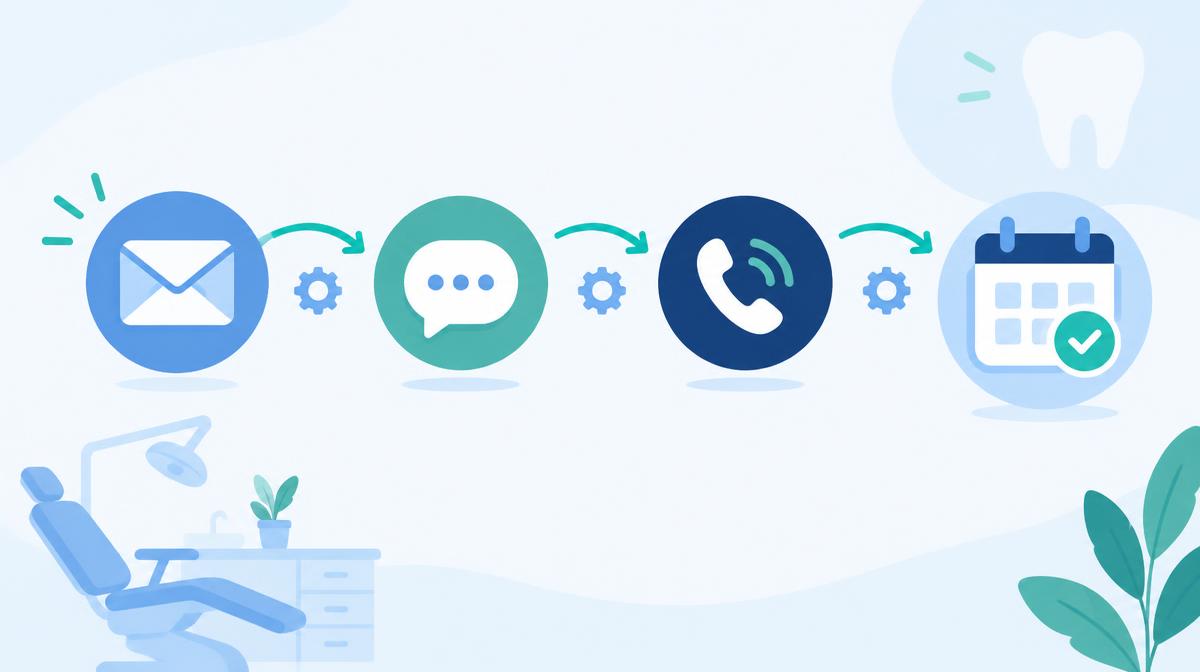
A new-patient inquiry needs more than an automatic “thanks.” Someone needs to own it, answer the question and help the person take the next step. Automation should support that work, not keep sending reminders after the conversation has moved on.
Start with a clear route for calls, forms, chats and texts. Add a short, permission-based follow-up sequence. Then connect the outcome to your practice software so you can see who booked and who actually came in.
TL;DR
- Respond promptly, but distinguish an automated acknowledgment from a useful staff response.
- Give every inquiry one owner, a backup and a clear escalation path.
- Use missed-call text back only with an approved consent process, not as permission to launch a marketing campaign.
- Keep sequences short and conditional. Pause when someone replies and stop when they book, decline or opt out.
- Escalate clinical concerns to staff under a dentist-approved protocol. Do not let AI diagnose or promise emergency availability.
- Track completed appointments as well as response speed and bookings.
What speed-to-lead research actually tells us
The original Harvard Business Review article “The Short Life of Online Sales Leads,” published in March 2011, reports research finding that companies were not responding quickly enough to online inquiries. Its authors are James B. Oldroyd, Kristina McElheran and David Elkington. This is general sales-lead research, not a dental appointment study.
Source: Harvard Business Review, The Short Life of Online Sales Leads, 2011.
Use that research as a reason to remove avoidable delays, not as a dental conversion forecast. There is no verified dental conversion multiplier offered here. An automated receipt also should not be treated as equivalent to the meaningful conversation a patient needs.
Choose a response target your team can actually cover. Define who handles inquiries during lunch, after closing and when the assigned person is unavailable. If you promise a callback window, build an alert for missed commitments rather than quietly leaving the task in an inbox.
Our after-hours lead capture guide can help you plan that coverage. The important distinction is between receiving a message and resolving it.
Bring every channel into one accountable workflow
Before adding a sequence, decide where inquiries will be reviewed. Use one shared work queue if your tools support it. If they do not, name the person responsible for reconciling the separate queues and checking for duplicate conversations.
- Calls: Capture whether someone answered, whether follow-up is needed and who owns the callback.
- Forms: Preserve the request, submission time, selected location, contact preference and consent record.
- Chats: Send a useful handoff summary to staff, with access to the original conversation.
- Texts: Associate replies with the existing inquiry and show any channel restrictions or opt-out.
Use a stable internal inquiry identifier. Before creating another task, check whether the same person already has an open conversation or appointment. Do not automatically merge people solely because they share a family phone number.
Keep the first source of the inquiry as well as the channel being used now. Someone who started on a website form may prefer a phone call next. Their preferred response channel and original marketing source answer different questions.
Route by need, location and availability
Write the routing rules before asking AI to apply them. A sensible starting point is scheduling questions to the front desk, treatment-planning questions to a treatment coordinator and clinical concerns to the designated clinical team. Let patients choose their location rather than guessing from an area code.
For an inquiry about Invisalign, braces or implants, ask what the person needs help arranging. Do not infer treatment eligibility or rank access to care by assumed income. Service interest can guide the staff assignment without becoming a diagnosis or a judgment about the person's value.
Make ownership explicit
Every route needs a primary owner, a backup, a coverage schedule and an escalation rule. A notification to several people is not the same as an accepted task. Require someone to claim the inquiry, and make unclaimed work visible to the office manager.
For multiple locations, check where the person wants to be seen and which team can actually respond. If you offer another office, ask permission before transferring. Preserve the original request so the patient does not have to explain everything again.
Keep urgent concerns outside the sales sequence
Have your dentist approve the wording and routing for possible emergencies. Use an urgent staff alert and the practice's approved instructions instead of a routine consultation sequence. Do not promise a same-day appointment unless staff has confirmed availability.
AI labels should be editable, with a visible way to escalate uncertain cases. Do not allow a low-confidence classification to bury a clinical concern in a marketing queue. Review misroutes with the team and correct the rule that produced them.
Set up missed-call text back carefully
A missed-call workflow should first check whether a conversation is already active, whether texting is permitted and whether the number is suppressed. If the consent basis is unclear, create a staff callback task instead of automatically sending a text.
Do not assume caller ID alone provides permission for an automated promotional sequence. Have counsel review the intended message, sending technology and consent process. An inquiry response, an appointment reminder and an advertisement are not interchangeable message categories.
Example acknowledgment, only where sending it is permitted: “Hi, this is [Practice]. Sorry we missed your call. If you'd like help arranging an appointment, reply here or call [number]. Reply STOP to opt out of texts.”
Keep it limited to the request. Do not append a discount, request medical details or imply someone is currently reading the conversation if nobody is. See our guide to reviewing missed dental calls for the operational side of the problem.
TCPA and consent basics for texting
The FCC explains that the TCPA restricts robocalls and robotexts without prior express consent or a recognized exemption. Marketing messages subject to the applicable automated-call rules generally require prior express written consent. The exact requirements depend on the content, technology and circumstances; not every software-assisted message is legally identical.
Source: FCC, Report and Order FCC 24-24, 2024; FCC, Telemarketing guidance.
Have counsel review your forms and message categories before launch, including any healthcare-specific provisions you intend to rely on. Do not assume a dental-office label creates a blanket exemption. Also review applicable state rules and Do-Not-Call obligations; a texting vendor's approval is not a complete legal review.
Keep a usable consent record
As an operational safeguard, retain the disclosure presented, the person's affirmative action, the number authorized, the date and the source of the record. Keep promotional consent distinct from the permission needed to respond to a scheduling request. Do not treat silence as agreement to future marketing.
For covered telemarketing robocalls, the FCC describes a prior express written consent requirement. Its rules also address opt-out mechanisms. Ask counsel to approve the corresponding disclosure and opt-out design for your specific texting workflow, including the required statement that consent is not a condition of purchase where applicable.
Source: FCC, Telemarketing guidance; FCC, consent and revocation rules, 2024.
Make stopping easy
The FCC's revocation order recognizes reasonable methods of withdrawing consent, including standard reply words such as STOP. Build for immediate suppression as your operating policy rather than using a legal deadline as the workflow target. A person saying “please don't text me again” should reach a staff review path even if your keyword filter misses it.
Source: FCC, Report and Order FCC 24-24, reasonable revocation methods.
Keep suppression information available to every connected sending tool. Have counsel verify the currently applicable timing and scope rules before launch, since implementation requirements can change. Never send another sales message merely to persuade someone to reverse an opt-out.
An example follow-up cadence
This is a suggested workflow, not a research-backed optimum or a legal safe harbor. Use it only for permitted channels and within approved contact hours in the recipient's time zone. Adjust it to the person's request and your actual staffing.
- At receipt: Send one permitted acknowledgment and assign a staff task. State the real callback window.
- During the next staffed response window: Have the owner answer the question or call using the approved contact method.
- The next business day: If there is no reply, send one brief permitted follow-up offering help with scheduling.
- A few business days later: Offer a final opportunity to continue, without pressure or an invented deadline.
- After the final attempt: Close the active sequence as unresponsive. Do not enroll the person in ongoing promotions without the appropriate permission.
A useful scheduling message might say: “Would you prefer a call about appointment options, or would you like our booking link?” It asks for a manageable next step. It does not assume the person has agreed to treatment.
Do not stack a call, text and email just because the system supports all three. Start with the requested channel and coordinate attempts across the whole team. A staff callback should reset the automated task, not trigger another reminder behind it.
Pause on replies. Stop on outcomes.
The sequence needs exit rules before it goes live. Test them using real workflow actions rather than only reviewing the written configuration.
- Any reply: Pause scheduled outreach and route the conversation for review.
- Appointment booked: End lead follow-up. Use a separate appointment workflow with its own permissions.
- Declined or opted out: Stop the relevant outreach and record the restriction.
- Wrong person or invalid number: Suppress that contact path and investigate before trying again.
- Staff handling the conversation: Suspend duplicate automated attempts.
- Unclear or urgent clinical content: Escalate under the approved clinical protocol.
If the person asks you to reconnect later, record the requested timing and permitted channel. A scheduled callback is different from permission to send indefinite marketing.
Hand ready-to-book inquiries to staff
Define a “hot lead” by the person's expressed request, such as asking to schedule or requesting a callback now. Do not rely on an opaque score alone. Make the handoff show the request, preferred location, contact permission, previous attempts and the next promised action.
Transfer the conversation when staff is available. Otherwise, offer an honest callback window and create an owned task. Avoid language like “connecting you now” if the system is only sending an email notification.
Ask vendors to demonstrate the handoff, reassignment and escalation process. These are capabilities to verify, not promises that every AI assistant can fulfill. Our guide to the AI dental front desk explains where these workflows meet scheduling.
Protect patient information
HHS says HIPAA requirements apply when regulated entities use tracking technologies in ways that collect or disclose protected health information. Do not assume a marketing tool is an appropriate place for patient conversations simply because it can send texts. Review data flows, access controls and applicable business associate arrangements with your privacy adviser.
Source: HHS OCR, online tracking technology guidance.
Keep ordinary acknowledgments minimal. Move clinical details and documents into the practice's approved communication process. Ask how your setup meets HIPAA requirements, rather than accepting a general vendor slogan as the answer.
Track outcomes, not just messages sent
Define each measure before comparing staff or channels. Track time to automated acknowledgment separately from time to a useful human response. Review after-hours inquiries separately so the report shows your coverage gaps.
- Contact rate: Unique inquiries with a two-way conversation divided by eligible unique inquiries.
- Booking rate: Unique inquiries that booked divided by eligible unique inquiries.
- Attendance rate: Completed first appointments divided by booked first appointments in the defined group.
- Routing quality: Reassignments, missed ownership deadlines and unresolved escalations.
- Permission health: Opt-outs, complaints and any messages sent after suppression.
Match bookings and completed visits to your practice software. Record whether a nonbooking reflected no availability, a declined appointment, an unanswered question or an unreachable contact. Use the dental marketing ROI guide when connecting those outcomes to costs and collections.
Test before you switch it on
Submit a test form, miss a test call and send a chat inquiry. Then reply, opt out, book, reassign the owner and simulate an unavailable staff member. Confirm that pending messages stop and the backup actually receives the task.
Launch one simple route first. Review failed handoffs and inappropriate messages before adding more branches. A short sequence that respects outcomes is more useful than an elaborate sequence nobody can audit.
FAQ
How fast should we respond to a new inquiry?
Set a prompt response target that matches real staffing and track whether you meet it. Do not count an automatic receipt as a completed conversation or promise a dental conversion gain from general sales research.
Can we automatically text everyone whose call we miss?
Do not assume a missed call alone authorizes every automated message. Have counsel review your consent basis, message content and sending technology before enabling the workflow.
How many follow-ups should we send?
There is no universal sequence recommended here. Start with a short permitted cadence, stop on replies or outcomes and review complaints alongside booking results.
Should AI decide which inquiries are urgent?
Use any automated label as a routing aid under a dentist-approved protocol. Keep an escalation path for uncertain cases and do not let the system diagnose or promise clinical availability.
Can a small practice use this approach?
Yes: the starting point can be one owner, one backup and a shared task list. Add automation only where it makes that responsibility clearer rather than hiding work in another inbox.
What happens after someone books?
End the lead sequence and verify the appointment in your practice software. Any reminders belong in a separate workflow with the appropriate permissions and message content.
Want to review where your inquiry handling needs attention? Start with the free AI Marketing Scorecard.