Cloud 9 Software Review: Features, Pricing, Pros and Cons
A practical Cloud 9 software review for orthodontic and pediatric practices: treatment cards, contract AR, multi-location scheduling, pricing structure, integration limits, and how it compares to Dolphin.
TL;DR
Cloud 9 is a cloud-native practice management system built for orthodontic and pediatric practices, now part of Planet DDS alongside Denticon. Its strengths are genuinely specialty-specific: treatment cards, contract and recurring-payment management, multi-location scheduling for travelling doctors, and reporting that understands starts, conversions, and observation patients. Its weaknesses are cost, performance at scale, and an integration story that is narrower than general-practice systems.
Our score: 7.8 / 10, one of the two or three serious options for a growing multi-location ortho group.
Who Cloud 9 Is For
- Multi-location orthodontic groups with doctors rotating across offices and staff who need one schedule across all of them.
- Pediatric dental practices, particularly ortho-pedo combined offices where both workflows live in one system.
- Practices with heavy contract-based revenue, long treatment plans, monthly autopay, insurance assignment split across years.
- Owners who want cloud and are done maintaining a server, VPN, and remote desktop.
Who it is not for: general dental practices. The ortho-centric data model that makes Cloud 9 powerful for braces and aligners is overhead for a restorative practice, which will be better served by Open Dental, Dentrix, or Curve Hero.
Core Features
Treatment Cards and Ortho Workflow
The treatment card is the heart of the system, and Cloud 9 executes it well. Appliance history, wire sequences, elastics, bracket detail, and visit-by-visit progress live in a single continuous record that a clinical assistant can update chairside in seconds. Next-visit procedures drive the next appointment, which in turn drives the schedule, that chain is the thing general-practice systems never model properly for ortho.
Scheduling
Template-driven scheduling by chair, procedure type, and appointment length is built for the ortho reality of high-volume short visits punctuated by long starts and debonds. Multi-location views let a group see doctor coverage across offices, which matters enormously when one orthodontist covers three practices on a rotating week. Same-day flow tracking is solid.
Contracts and Accounts Receivable
Contract management is Cloud 9's quiet superpower. Down payment, monthly payment, insurance assignment, responsible-party splits, and automatic recurring charges are handled as first-class concepts. Delinquency workflows and aging by contract are built in. Practices moving from a general-practice PMS into Cloud 9 usually see their ortho AR get materially cleaner within two quarters simply because the system finally matches the business model.
Imaging and Records
Cloud 9 includes imaging with photo and radiograph management, timepoint comparison, and record templates for progress documentation. It is capable, though practices doing serious cephalometric analysis and 3D planning often keep a dedicated imaging platform such as Dolphin alongside it.
Reporting
Ortho-relevant reporting is strong: new patient exams, starts, conversion rate from consult to start, observation recall, pending treatment, contract production, and receivables. Multi-location roll-ups are native rather than assembled. For a group with a regional manager, this is the reporting layer that actually gets used.
Where Cloud 9 Falls Short
- Cost. Cloud 9 sits at the premium end of ortho software. For a single-doctor practice the price is hard to justify against lighter alternatives.
- Performance at scale. Larger groups periodically report slowness during peak hours and on heavy reports. It is workable, but it is a question worth putting to reference customers of your size.
- Learning curve. The system is deep, and depth means configuration. Templates, procedures, and reporting need someone who owns them. Practices that skip that ownership use maybe half the product.
- Support since acquisition. Experience under Planet DDS has been mixed in the market. Ask directly about response times, escalation path, and whether your account has a named contact.
- Integration breadth. The third-party ecosystem around ortho software is smaller than around general dental. Some tools that connect easily to Open Dental or Dentrix require more work here, always verify appointment write-back specifically.
Pricing
Cloud 9 does not publish rates. Pricing is quoted, generally structured as a monthly subscription tied to practice size, doctor count, or location count, plus implementation, data conversion, and training. Payments processing, patient communication modules, and imaging storage may be priced separately.
Before signing, get clarity on: cost per additional location, cost per additional user, data conversion scope and fee, whether imaging storage is capped, and what the renewal escalator looks like in years three and four. Ortho groups grow by location, and a per-location price that seems reasonable at two offices can be painful at six.
Integrations and API
Cloud 9 supports integrations with imaging systems, payment processors, and a set of patient communication vendors. What varies is the depth. Read access to schedule and patient data is common; the ability for an external system to create an appointment, update a contract, or post a payment is not universal.
This distinction determines whether you can run modern AI scheduling. An AI receptionist that can only read availability has to hand every booking to a human. One that can write back can actually complete the booking at 9pm on a Sunday. Before buying any front-office tool, ask the vendor to state in writing which operations are read and which are write, and test it in a sandbox if one exists.
Switching To or From Cloud 9
Converting into Cloud 9 from a general-practice PMS is usually a quality upgrade for the ortho data, but the conversion rarely brings everything. Prioritize, in this order: active contracts with remaining balances and payment schedules, treatment card history, appointment history, images with timepoints, and ledger detail. Expect to run parallel for a period on contracts, because a mis-converted payment schedule is the fastest way to lose patient trust.
Leaving Cloud 9 is a standard cloud extraction exercise: request your data-extract rights, formats, and timelines at contract signing. Confirm specifically that images and treatment card notes are included, not just tabular data.
Reporting and KPIs That Matter for Ortho
The metrics that determine whether an ortho practice grows are not the ones a general dental system tracks. Watch: exam-to-start conversion rate by doctor and by treatment coordinator; observation patients due for recall and the percentage actually seen; pending treatment value from exams that never started; contract production versus collected; delinquent contract aging; and chair utilization by appointment type. Cloud 9 supports most of these natively, which is a substantial part of its value.
Security and Compliance
As a cloud platform, Cloud 9 handles hosting, backups, and updates, which removes the single biggest security liability in most small practices, an unpatched on-prem server with an open remote desktop port. Confirm the standard items during procurement: BAA execution, role-based access granularity, audit logging, uptime commitments, and backup and restore testing.
Alternatives to Consider
- Dolphin Management, the main ortho rival, especially strong where imaging and cephalometric analysis are central.
- Ortho2 Edge, long-established ortho platform, often priced more accessibly for single-location practices.
- Denticon, sister product under Planet DDS; better fit for general-dental multi-site groups.
- Open Dental, viable for ortho-adjacent practices that value open integration over specialty depth, with the caveat that contract management is weaker.
How Aron Fits With Cloud 9
Ortho practices lose money in two specific places: exams that never convert to starts, and observation patients who drift away between recall visits. Both are outreach problems, not clinical problems.
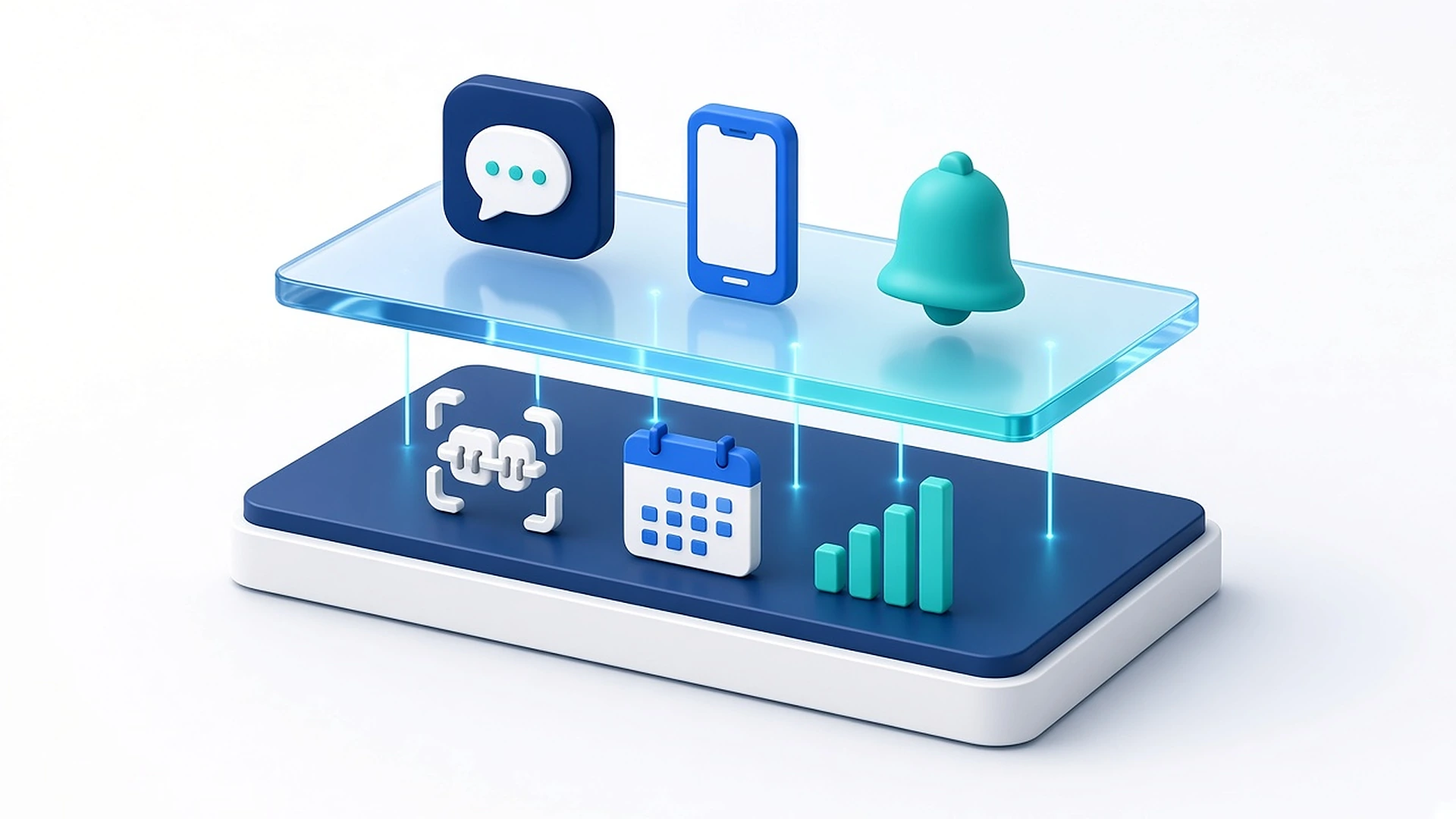
Aron adds an AI receptionist that answers every call and after-hours inquiry, texts back missed calls automatically, and runs structured outreach campaigns against pending treatment and observation recall lists. It handles reminders with confirmation parsing to cut no-shows, verifies insurance eligibility automatically, and reports the conversion and recall metrics that determine growth. For contract-heavy practices, automated payment plans and delinquent-balance outreach recover revenue the front desk does not have time to chase.
Where full write-back into Cloud 9 is available, the AI books directly. Where it is not, Aron captures a complete verified request and gives the coordinator a one-click confirmation instead of a callback list, so the patient never falls through.
Where write-back is available the AI books directly. Where it is not, the coordinator confirms in one click.
FAQ
Is Cloud 9 only for orthodontics?
It is built primarily for orthodontic and pediatric dental practices. General practices are better served by a general dental PMS.
How much does Cloud 9 software cost?
Pricing is quoted, not published. Expect a monthly subscription scaled by users or locations, plus implementation and conversion fees, and separate pricing for payments and communication modules.
Is Cloud 9 owned by Planet DDS?
Yes. Cloud 9 is part of Planet DDS, which also owns Denticon and Apteryx imaging.
Cloud 9 vs Dolphin, which is better?
Cloud 9 is generally stronger on multi-location practice management, contracts, and receivables. Dolphin is generally stronger on imaging, cephalometrics, and case presentation. Groups often run both.
Can an AI receptionist book appointments into Cloud 9?
Only if write-back access is available for your configuration. Confirm this specifically with both vendors before purchase; read-only access limits the AI to capturing requests.
Three-Year Outlook
Under Planet DDS, Cloud 9 sits inside a portfolio strategy, Denticon for general multi-site, Cloud 9 for ortho and pedo, Apteryx for imaging. That suggests continued investment in cloud infrastructure, shared imaging, and group-level analytics, with ortho-specific workflow evolving more incrementally. The open question is integration posture: whether Planet DDS opens up write-level APIs to third parties or keeps front-office functionality in-portfolio. If you are buying now, treat current integration capability as the fact and future openness as a hope.
Verdict
Cloud 9 is a serious, specialty-appropriate system, and for a multi-location ortho or pedo group it is one of the few products that models the business correctly. You pay for that, in both licence cost and the internal ownership the system demands. If you are a single-doctor practice watching every dollar, look at lighter ortho platforms first. If you are running three or more locations with rotating doctors and a contract-driven ledger, Cloud 9 earns its place, then add a front-office layer to convert the exams and recalls it can only report on.
What to Ask on the Demo
Orthodontic software demos tend to showcase the clinical experience and skim the administrative machinery that actually determines whether the practice scales. Steer the conversation deliberately.
- Build a contract live. Down payment, 24-month autopay, insurance assignment split across two payers, and a responsible-party change mid-treatment. Watch how many steps it takes.
- Show delinquency. How does the system surface failed autopays, and what is the workflow to recover them?
- Show a rotating doctor week. Three locations, one orthodontist, one schedule view. Can a coordinator at office A book into office C correctly?
- Show observation recall. How are growing patients tracked, how are they recalled, and what report shows who is overdue?
- Conversion reporting. Exam-to-start percentage by doctor and by treatment coordinator, over a date range, across locations.
- Write-back, in writing. Can an external scheduling or AI tool create appointments and post payments? Which operations are read-only?
- Records and images on exit. What formats, what timeline, and do timepoint associations survive?
- Five-year cost. All modules, added locations, added workstations, storage, and annual support escalators.
Ask for two references running your number of locations, and ask them what they would do differently. That single question usually produces more useful information than the entire demo.
Eight things to make the vendor show you live
- Build a contract live
- Show delinquency
- Show a rotating doctor week
- Show observation recall
- Conversion reporting
- Write-back, in writing
- Records and images on exit
- Five-year cost
How Aron layers on top
Aron connects to your practice management system and adds the patient-facing automation most PMS platforms leave out. Practices pairing this PMS with Aron most often start with:
See the full dental practice management software overview, or book a walkthrough to see the write-back flow against your own schedule.
Related: AI receptionist for orthodontists.